
Appearance
Safety
Not an emergency service
MeshSat is a research prototype, not a replacement for 112, 911 or any national emergency number. It has never been used in a real emergency.
SOS
Hold the SOS button on Home for 3 seconds. A short press sends nothing. The SOS goes out on every route the phone has, and each route is retried until it is sent:
- By satellite, as the same SOS frame a MeshSat kit sends. The Hub raises it as an alarm.
- Over the mesh, as a broadcast. Any MeshSat kit in range relays it to the Hub.
- By SMS from the phone's own SIM to each emergency contact, with your position and a map link. Not in the Google Play edition, which has no SMS.
- To the Hub over the internet, as soon as it is connected. The Hub files it under the same alarm as the satellite frame, so one SOS pages once.
While it is on, a banner shows on every screen, and See where it went lists each route: waiting, sent, or why it has not gone yet. It stays on until you cancel it, in the app or from the notification (from a locked screen, the phone asks you to unlock first). Nothing more goes out then, and every route that carried the SOS carries "Alarm cancelled: ... is safe" next.
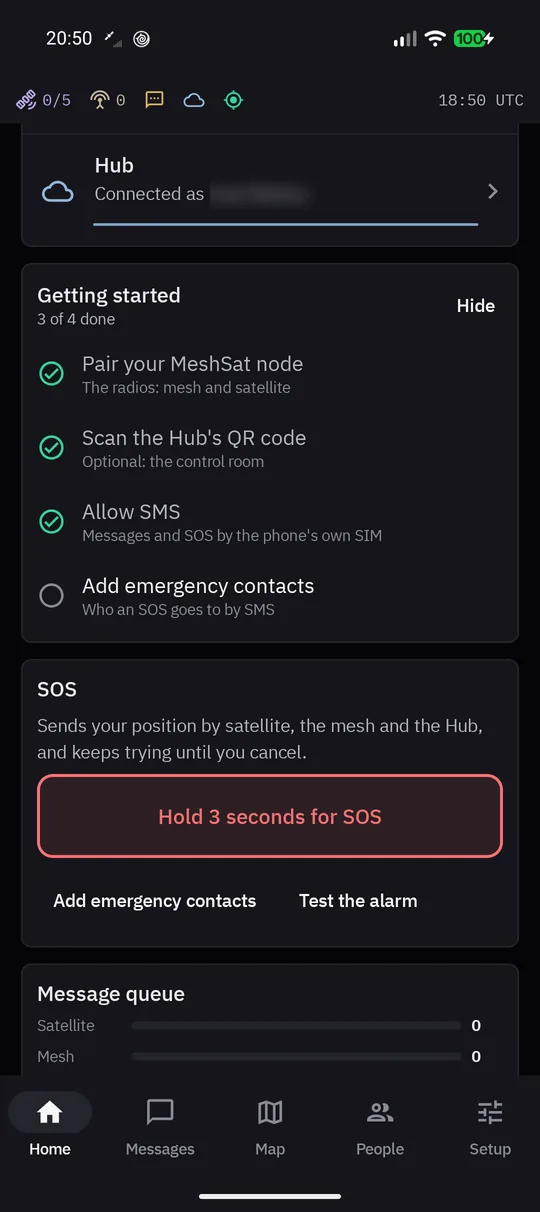 Home: hold for 3 seconds to send an SOS.
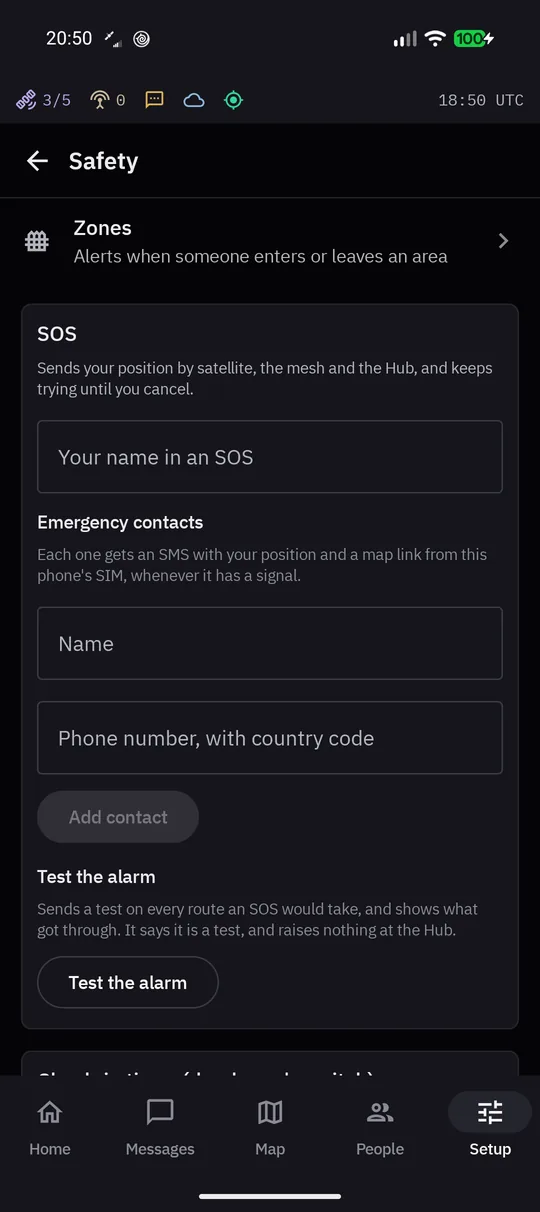 Safety: emergency contacts and the alarm test.
Emergency contacts and your name
In Setup > Safety, add the people an SOS goes to by SMS, each with the country code, and the name the SOS gives for you. Without contacts the SOS still goes by satellite, the mesh and the Hub.
Test the alarm
Test the alarm sends a test on the same routes, says what each one costs before it starts, and shows what got through. The text says it is a test, and by satellite it sends a position report instead of the SOS frame, so nothing raises an alarm at the Hub.
Check-in timer
The check-in timer is a dead man's switch. Switch it on in Setup > Safety, and the app sends the same SOS by itself if it sees no activity from you (sending a message, pressing a button) within the timeout.
Zones
Zones, drawn on the map, record when a mesh node enters or leaves an area. Setup > Safety > Zones.
On the Hub
The satellite leg of an SOS lands at the Hub. What the Hub does with an SOS, and how to decide who gets called and who next if nobody answers, is on SOS and escalation.